
Every Voice is Heard.
Give every resident a clear, fair way to be heard, in the room or from anywhere.
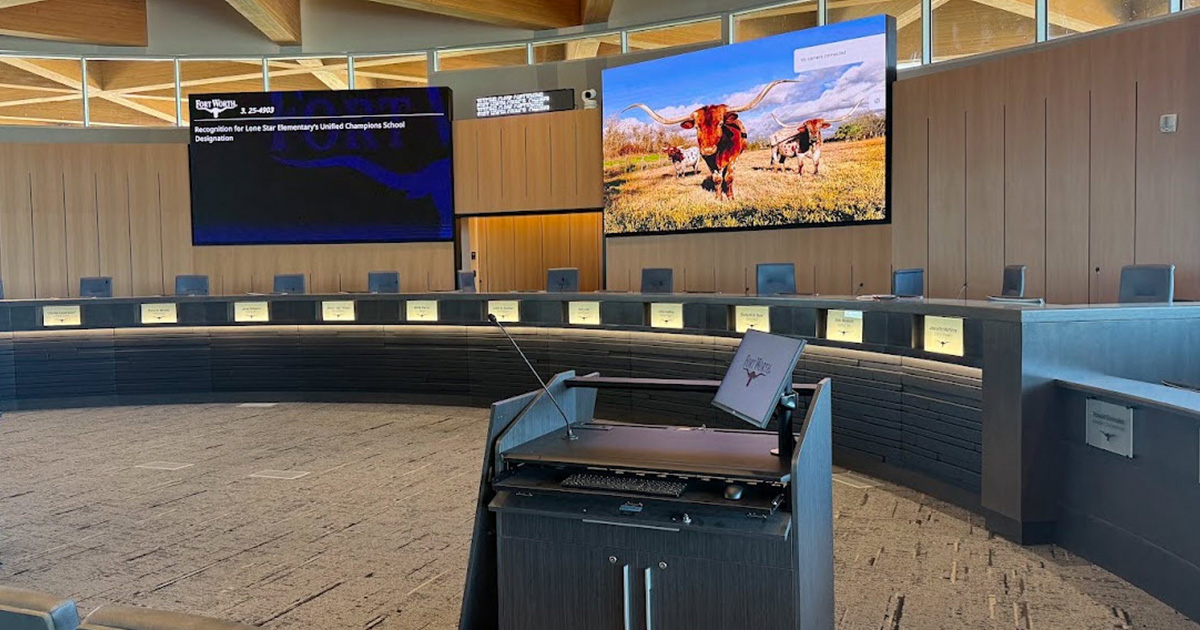
Say goodbye to the public speaker shuffle
Public comment shouldn’t depend on a paper sign-up sheet, a scramble at the podium, or a citizen giving up because they couldn’t figure out how to add their name to the persons to be heard list.
JustMeetings gives residents a clear way to sign up to speak and participate. With an easy speaker check-in at the kiosk, your meeting will not slow down waiting for speaker roll calls.
Daily detours...
- A sign-up sheet at the podium
- No clear way for a remote citizen to actually get in line to speak
- An all-or-nothing setting for which items allow public comment
- Speakers with no idea how much time they have left
But with more good days...
- Sign-up through the website or an in-room kiosk, synced in real time
- Sign-up forms collect exactly the fields your agency
- A per-item toggle gives staff precise control over public comment
- A visible countdown timer for every speaker, in the room or remote
- Mic control lives in the same software already running the meeting
What if you could...

CUT THE RISKS
Meet state compliance for citizen participation in public comment and hearings?

SKIP THE BUSYWORK
Let the speaker list update in real time across every device in the room?

GET THE HELP YOU NEED
Give public speakers the same visibility into built-in timers?
Citizen Engagement
Citizen engagement tools give the public a structured way to participate in a meeting: signing up to speak, speaker check-in at the kiosk, and wait their turn to speak, without disrupting the flow of the meeting itself.
Control
Per-Item Comments
Toggle public speaker sign-up on or off for any individual agenda item, not all-or-nothing.
Flexibility
Sign-Up Form
Sign-up form closes automatically at a set point; kiosk cutoffs available case by case.
Timing
Real-Time Speaker Sync
The speaker list updates live across every device, showing only who's left to call.
Audio
Built-In Mic Control
Request-to-speak and microphone toggling live in the same interface, no separate AV system.
Visibility
Speaker Timers
A countdown every speaker can see, with automatic pause when a question interrupts a board member's round.
Transparency
Staff-Facing Registration Details
Registered speaker counts and citizen details appear right on the item, with internal-only staff notes.
Simple
Printable Speaker Lists
Print a per-topic count summary or a full detailed speaker list, useful for security prep on high-conflict meetings.
Audit
Permanent, Protected History
Registrations stay tied to that item's history permanently, with any citizen comments kept internal unless staff choose to publish them.
Frequently Asked Questions
Yes, sign-up can be scoped to a specific item within a defined comment window, or left open for general comment, matching how your body actually runs public comment.
Website sign-up supports configurable cutoff times. Kiosk cutoffs are also possible but take more coordination, since some agencies allow speakers up after the nominal cutoff at the chair's discretion.
Yes. Virtual participation is generally available for both council members and the public, joining through a link, without needing separate video, voting, and meeting-control tools.
The same countdown timer used in the room is visible directly inside the remote participation tool on the participant's own screen, so they can see their time without staff having to relay it or point a camera at a chamber display.
Yes, registered speaker counts and details appear directly on the item, with an internal notes field staff can use, never visible to the public.
No, not automatically. They stay tied to that item's history permanently for staff reference, but only become public if a staff member actively copies them into the public record.